Getting started
How to organize departments and teams
Updated September 17, 2026
Departments and teams do different jobs, and both feed the Organization Chart.
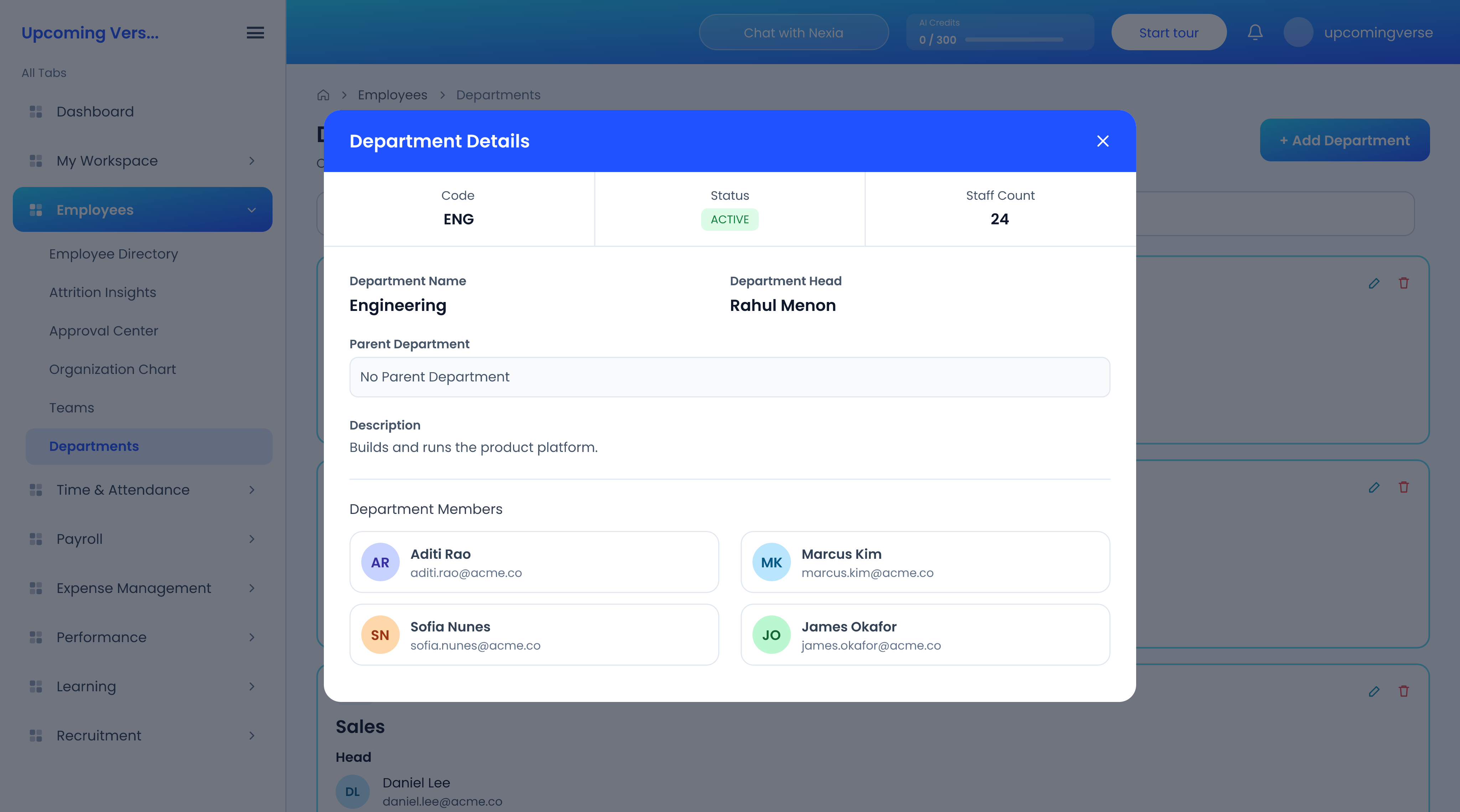
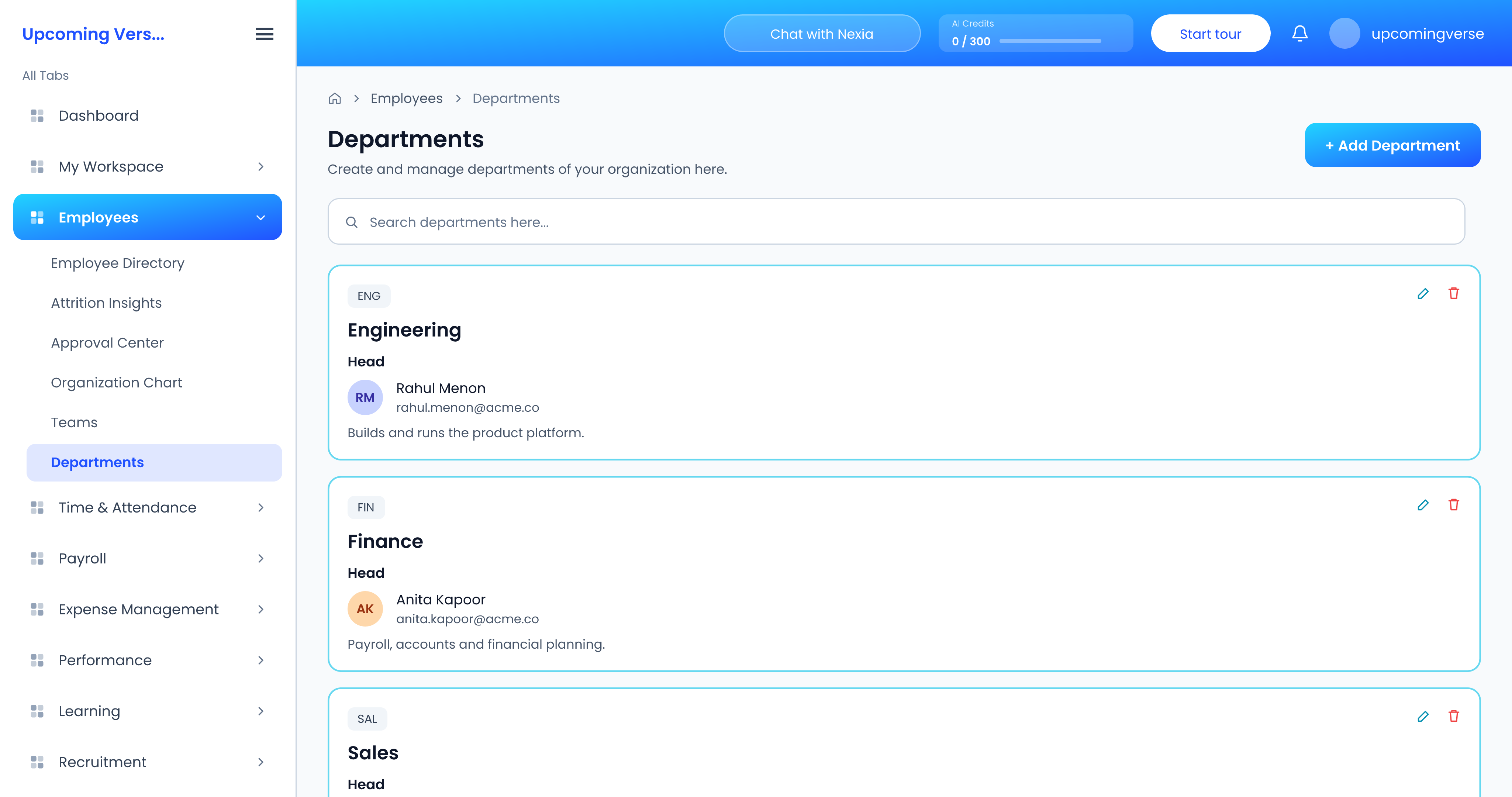
- Departments are the high-level structure — Finance, Engineering, Sales — and each has a department head.
- Teams are working groups inside or across departments, used for collaboration and reporting, and each has a team lead.
Set them up
- Open Employees → Departments, click Add Department, and create your departments, choosing a head for each.
- Open Employees → Teams and create your teams, choosing a lead for each.
- On each employee's record, set their department and their manager.
Both lists are searchable, which helps once you have more than a handful.
Someone is missing from the org chart
The chart is drawn from reporting lines. An employee with no manager or no department set on their record has nowhere to sit, so they do not appear. Fill those in and they will.
Teams and departments do more than draw the chart
Tasks can be assigned to a whole team or department at once, and that assignment reaches whoever is in it at the time. Keeping membership current is what makes those assignments land on the right people.
Taggeddepartmentsteamsorg chartreporting linesstructure