Time & attendance
How to clock in and out
Updated September 17, 2026
- Open My Workspace → Clock In/Out.
- Punch in when you start and punch out when you finish.
- Record breaks the same way.
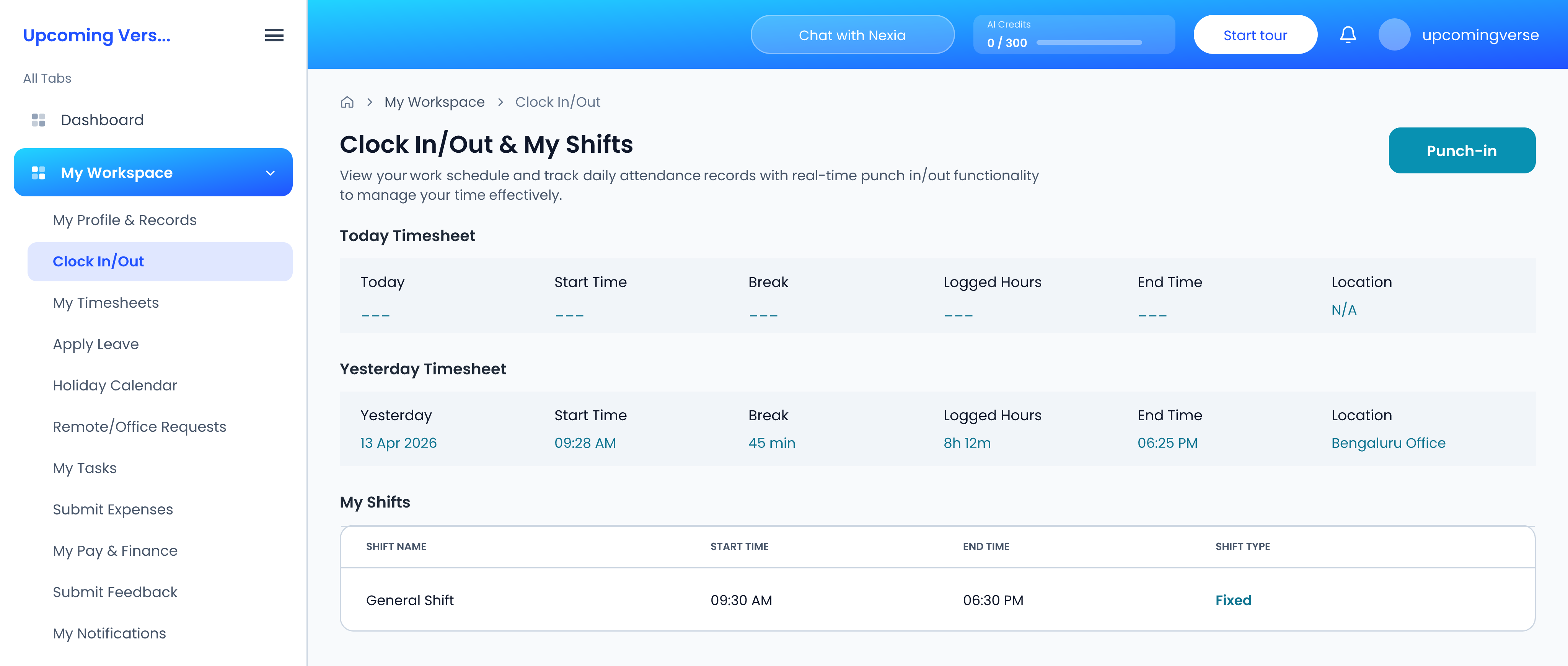
Your assigned shift is shown on the same screen, so you can check the start time and grace period you are being measured against.
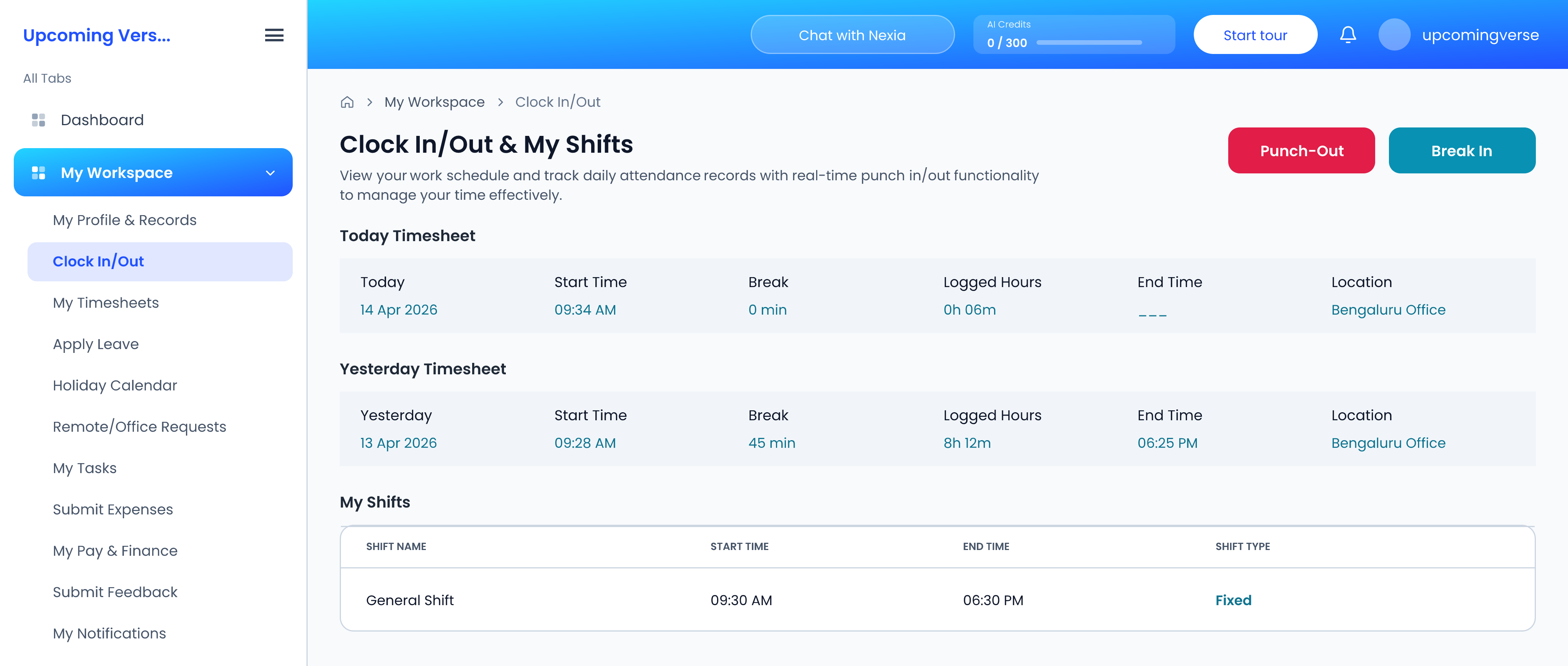
Whether you count as late
Each shift carries a grace period. That, not the shift start time on its own, is what decides whether a punch is recorded as late.
If you missed a punch
You cannot correct your own attendance — that restriction is deliberate, and it applies to everyone. A missed punch has to be logged manually by someone with the attendance permission, through Attendance Tracking. Ask whoever administers attendance for your organization.
Three ways attendance gets recorded
- Punch — this screen.
- Tracker — recorded automatically.
- Manual — entered later by an administrator.
Your hours may also be closed off automatically at a set time, if your organization has configured auto-clockout.
Taggedclock inpunchattendanceshiftbreaks