Time & attendance
How to apply for leave
Updated September 17, 2026
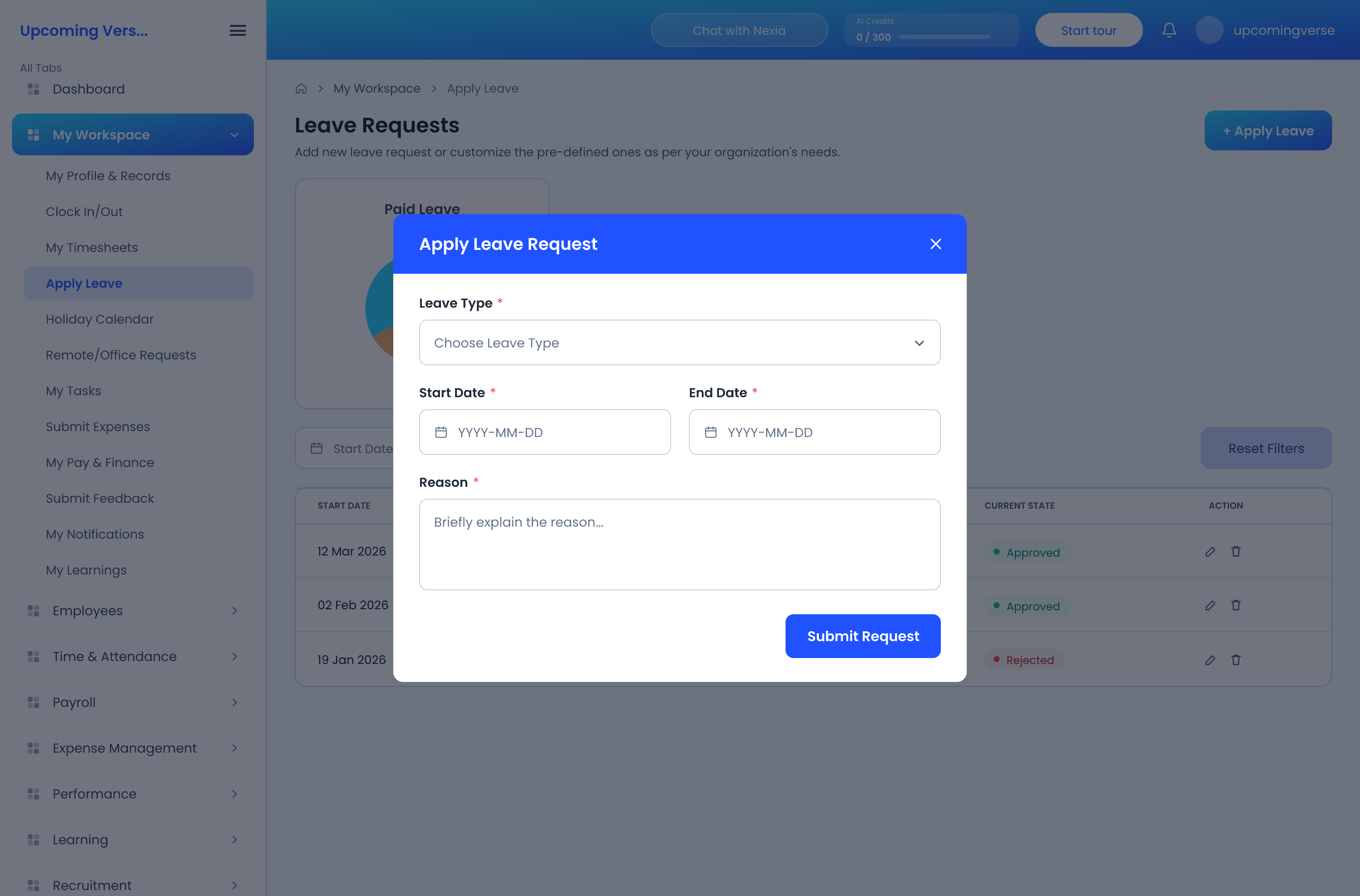
- Open My Workspace → Apply Leave.
- Choose the leave type. The available types are set up by your organization — Sick Leave, Casual Leave and Maternity Leave are common ones.
- Choose your dates.
- For a part day, set the start and end day type to Full Day, First Half or Second Half. A half day consumes half a unit of leave.
- Submit. The request goes to whoever approves leave in your organization.
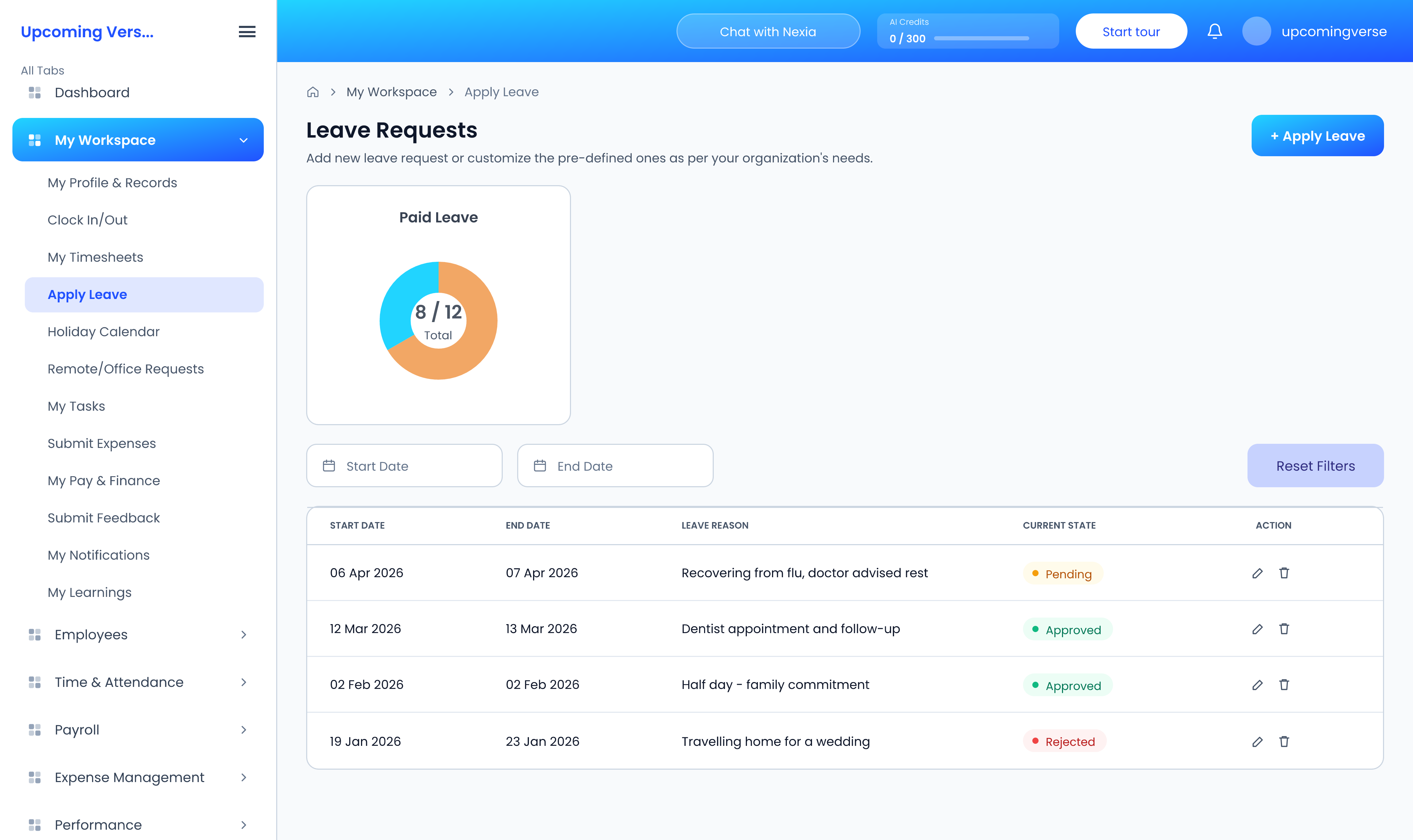
Your remaining balance is shown on the same screen, and you can track existing requests from there.
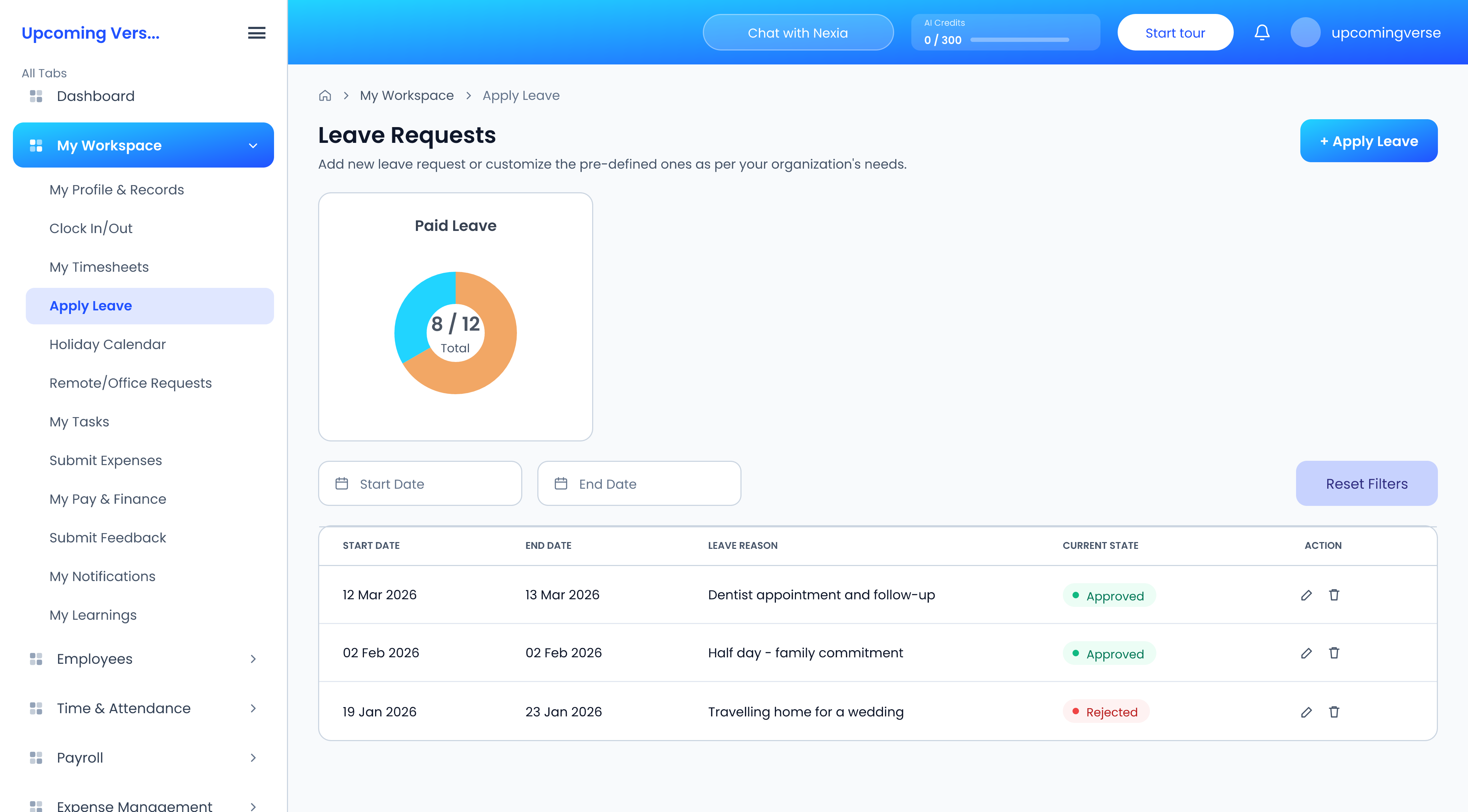
You can only edit a request while it is still open
Once a request has been approved or rejected it is fixed. Change it before it is actioned, or ask your approver.
Taggedleavetime offholidayhalf dayabsence