Time & attendance
How to add a company holiday
Updated September 17, 2026
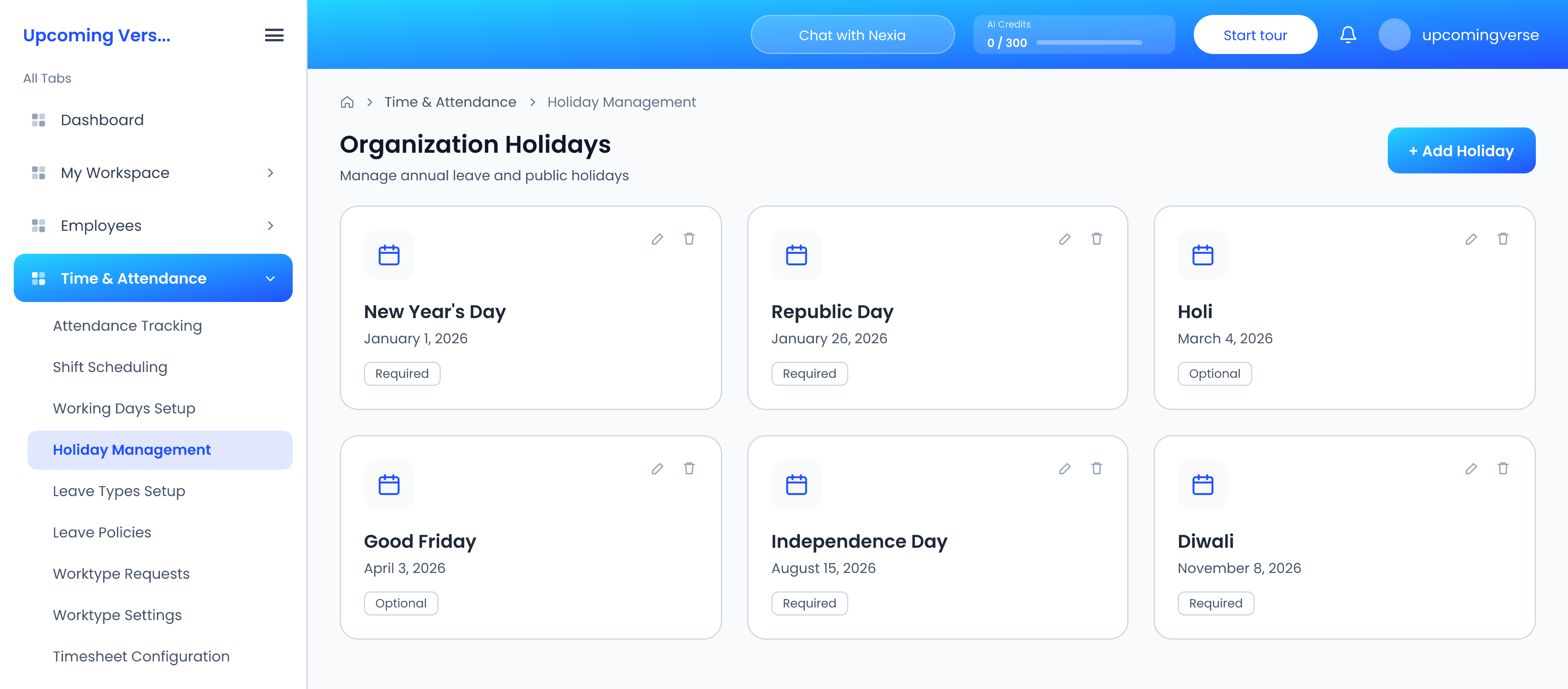
- Open Time & Attendance → Holiday Management.
- Add the holiday, or review the ones already set for the year.
- Save.
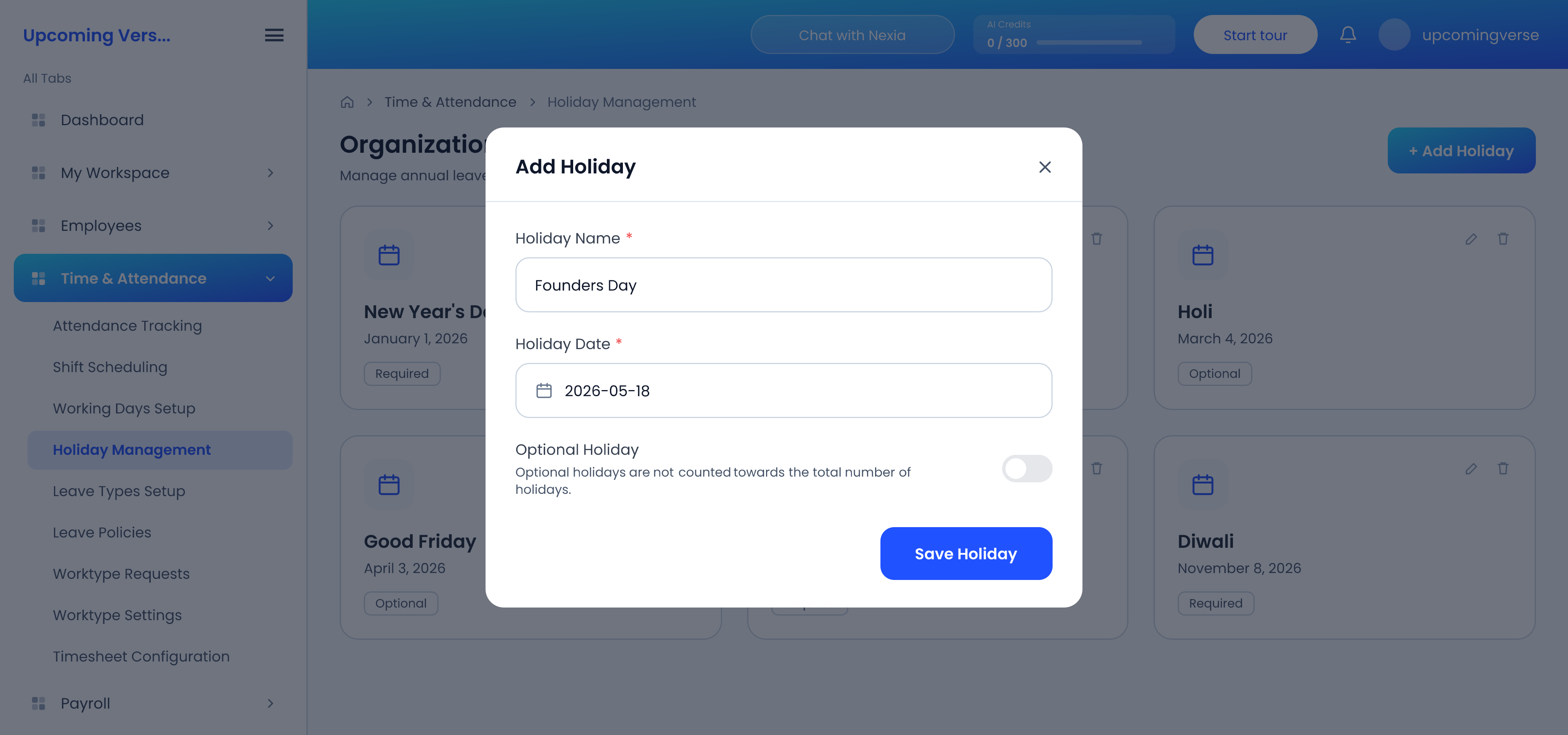
Employees see the same list, read-only, under Holiday Calendar in My Workspace.
Add holidays before the payroll run, not after
Holidays feed both attendance and payroll. Adding one after a payroll run has been processed will not retrospectively change that run — the run keeps the figures it was calculated with. Set the year's holidays up front where you can.
Related settings worth checking at the same time
- Working Days Setup decides which days of the week your organization operates. It feeds both attendance and leave calculations, so changing it changes how leave duration is counted.
- Your leave policy decides whether holidays count toward leave duration at all.
Taggedholidayscalendarattendanceadmin