Hiring
Why a candidate was rejected automatically
Updated September 17, 2026
A candidate who shows as Rejected without anyone on your team reviewing them was almost certainly caught by an automatic rule.
How it happens
Open Recruitment → Recruitment Settings and look at the Candidate Screening card. Three settings work together:
- AI CV Screening scores each CV against the job's requirements.
- Resume Shortlisting Score is the minimum score, as a percentage, needed to pass screening.
- Auto-Reject Below Threshold, when switched on, rejects anyone who scores below that minimum.
A fourth, Auto-Process Applications, runs new applications through screening as they arrive. With all of them on, an application can be screened and rejected before a person ever looks at it.
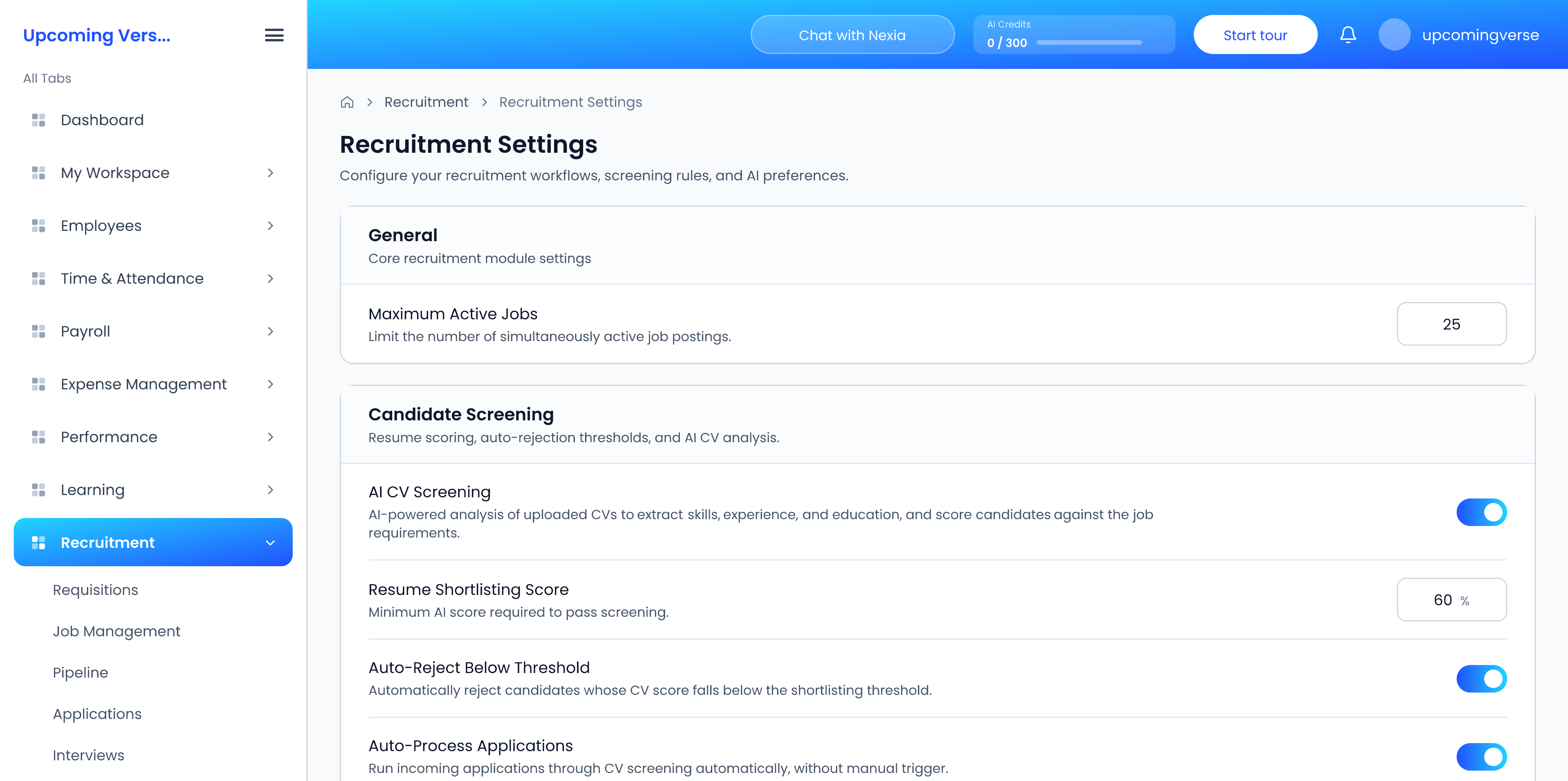
Click Save Settings after any change.
Before you lower the score
These settings apply to every applicant for every job. Loosening them to recover one candidate lets in everyone else who scored the same. Look at the application record first to see how it was scored, and decide on that candidate on their own.
Other reasons a candidate seems to be missing
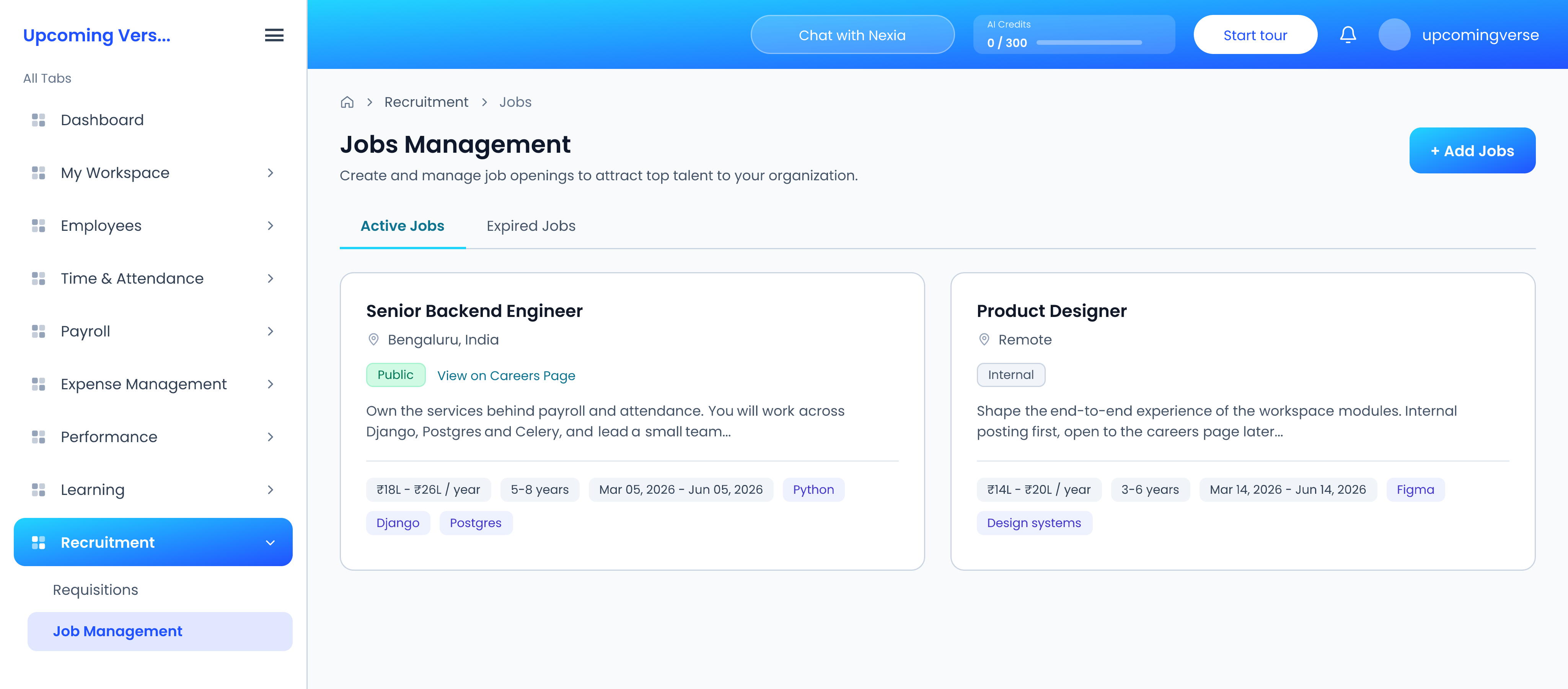
- They applied to a job that is not public. Only jobs set to Public and still active appear on the careers page.
- You can see the board but cannot move them. Viewing the pipeline and moving candidates on it are separate permissions.
Taggedauto rejectionai screeningcv screeningcandidatesrecruitment settings