Expenses & approvals
How to approve your team's requests
Updated September 17, 2026
Everything waiting on your decision arrives in one place: Employees → Approval Center.
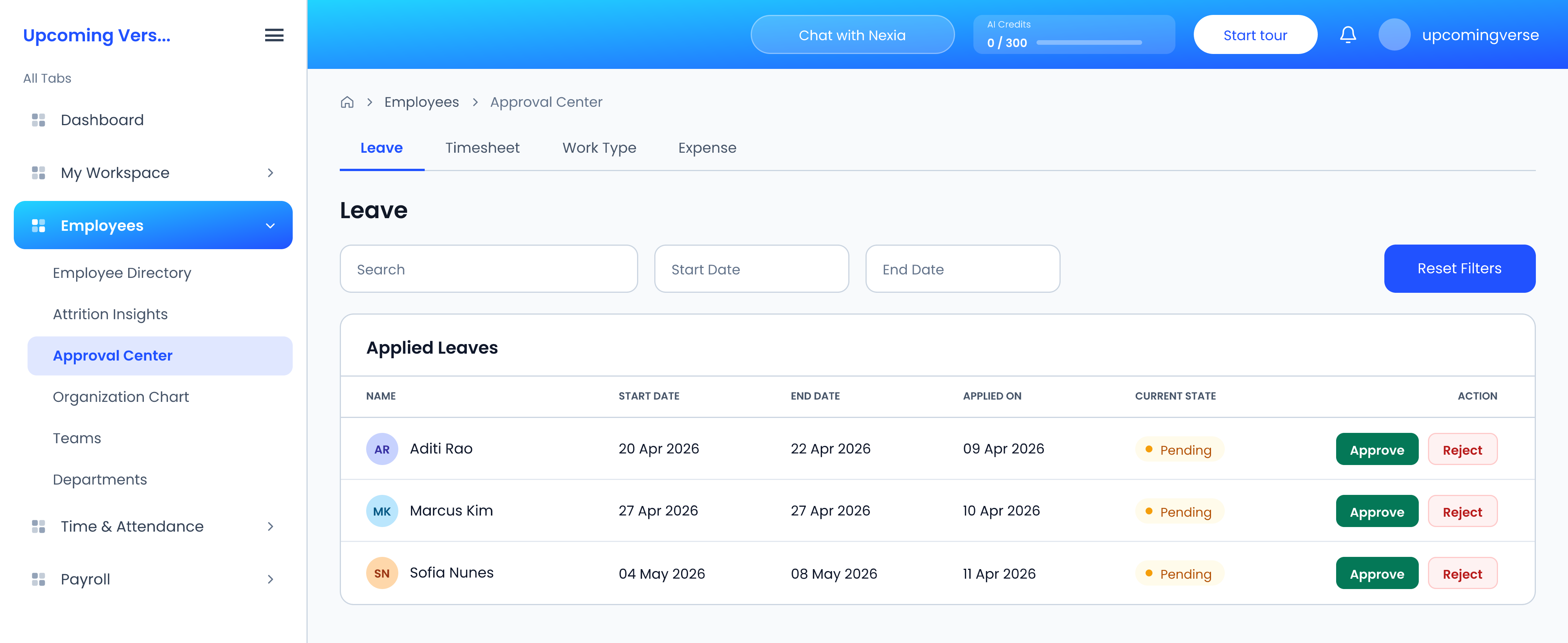
This is a different screen from Apply Leave in My Workspace, which is only for submitting your own requests. If you are looking for "where do I approve leave", it is here.
The queue is split by category
- Leave
- Timesheet
- Work Type
- Expense
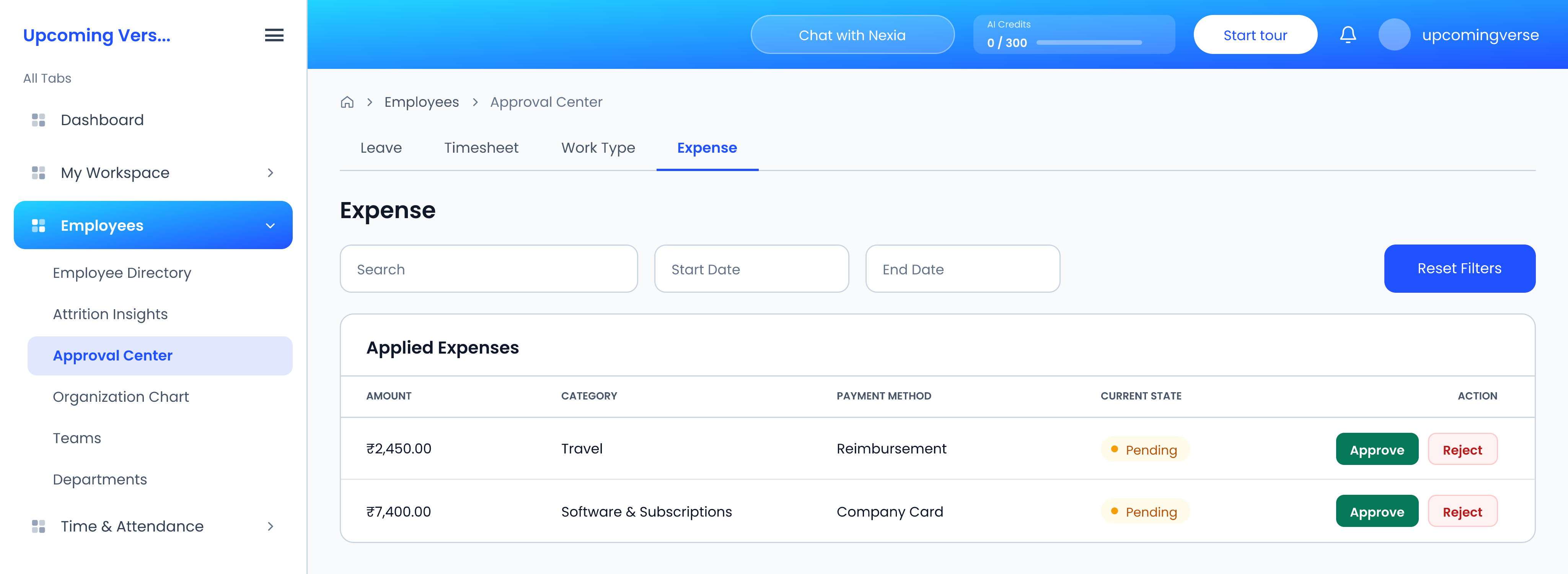
If a request seems to have gone nowhere
Each category is a separate permission. Someone may be able to see leave requests but not expense claims. A request that appears to have vanished is usually sitting in a category the person looking does not have permission for — not lost.
Multi-step approval chains
Approval routing can be automated under Organization Settings → Workflow Configuration, where multi-level chains are defined. Where one is configured, a request moves to the next approver rather than completing at yours.
Taggedapprovalsleave approvalexpensestimesheetsmanager