Why you can't sign in
Updated September 17, 2026
The sign-in screen asks for three things: your Email address, your Password and your Organization Code. When something is wrong, a message appears at the top of the screen. That message is the quickest way to tell the causes apart, so find the one you saw below.
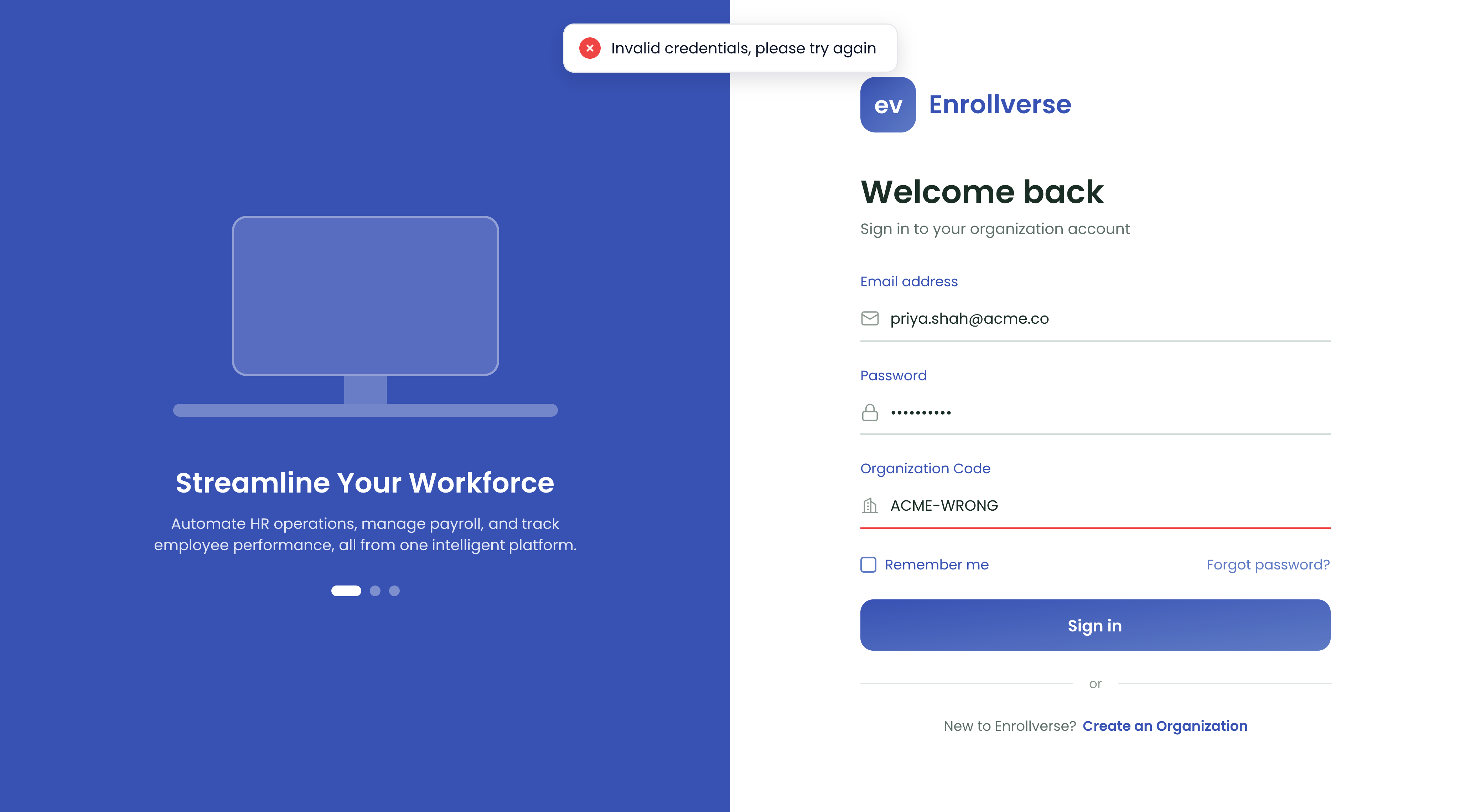
"Invalid credentials, please try again"
The details you entered did not match an account. It does not mean the account is locked or missing.
- Check the Organization Code. It is unique to your organization, and a wrong code fails in exactly the same way as a wrong password.
- Check you are using the address your invitation was sent to. A personal address on a work account is a common mix-up.
- Type the password rather than pasting it, in case a trailing space came along.
- If it still fails, choose Forgot password? and reset it.
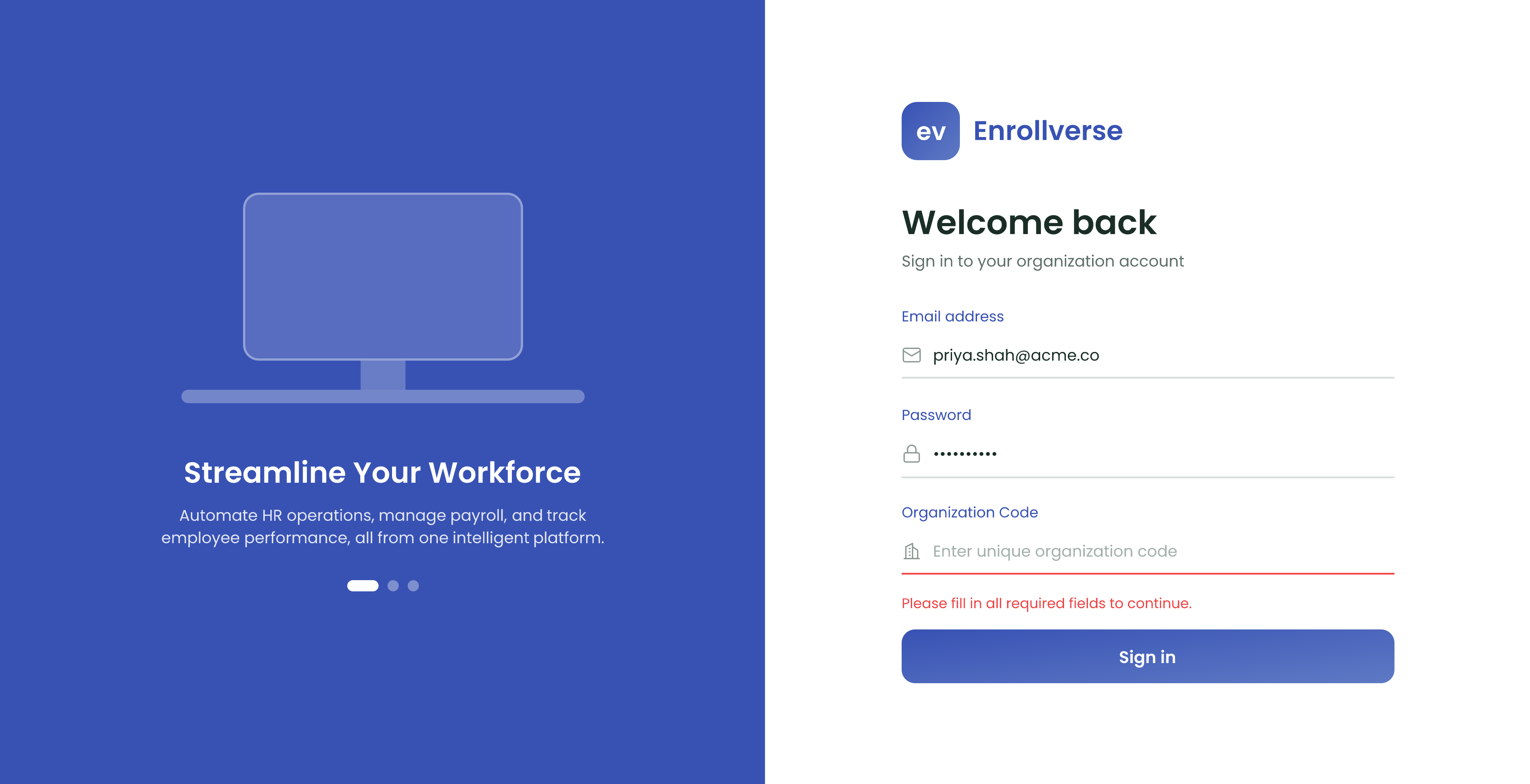
"Please fill in all required fields to continue."
One of the three fields is empty — usually the Organization Code. The empty field is outlined in red.
"Too many login attempts. Please try again after 1 minute."
Nothing is broken and nothing needs unlocking. Wait a minute and try once more, carefully. If you are guessing, reset the password instead of guessing again.
"Please verify your email address to finish setting up your account."
Your account exists, but the email address was never confirmed. Open the verification email and follow it. Check your spam folder if you cannot find it, or request a new one — a fresh code replaces the old one.
"User is not active, please contact admin"
Your account has been deactivated. That is deliberate rather than a fault, and only an administrator can switch it back on.
"Your Organization is not active so you cannot login"
The whole organization is switched off, not just you, so your colleagues will be locked out too. This always needs an administrator.
"No active subscription found for this organization"
The organization's subscription is not live. An administrator can check it under Plans & Billing.
"Mobile access is disabled for your organization"
Signing in from a phone has been turned off for your organization. The same account still works in a browser.
You were invited but have never signed in
An invitation has to be accepted before the account works — the invitation link is what sets your password. If it never arrived, ask an administrator to send it again.
Before you ask for help
Have three things ready: the exact message you saw, the email address you are using, and whether your colleagues can sign in. That last one separates a problem with your account from a problem with the whole organization.