Why a course certificate has not been issued
Updated September 17, 2026
A certificate is only issued when three things are all true. Check them in this order.
1. The course is recorded as complete
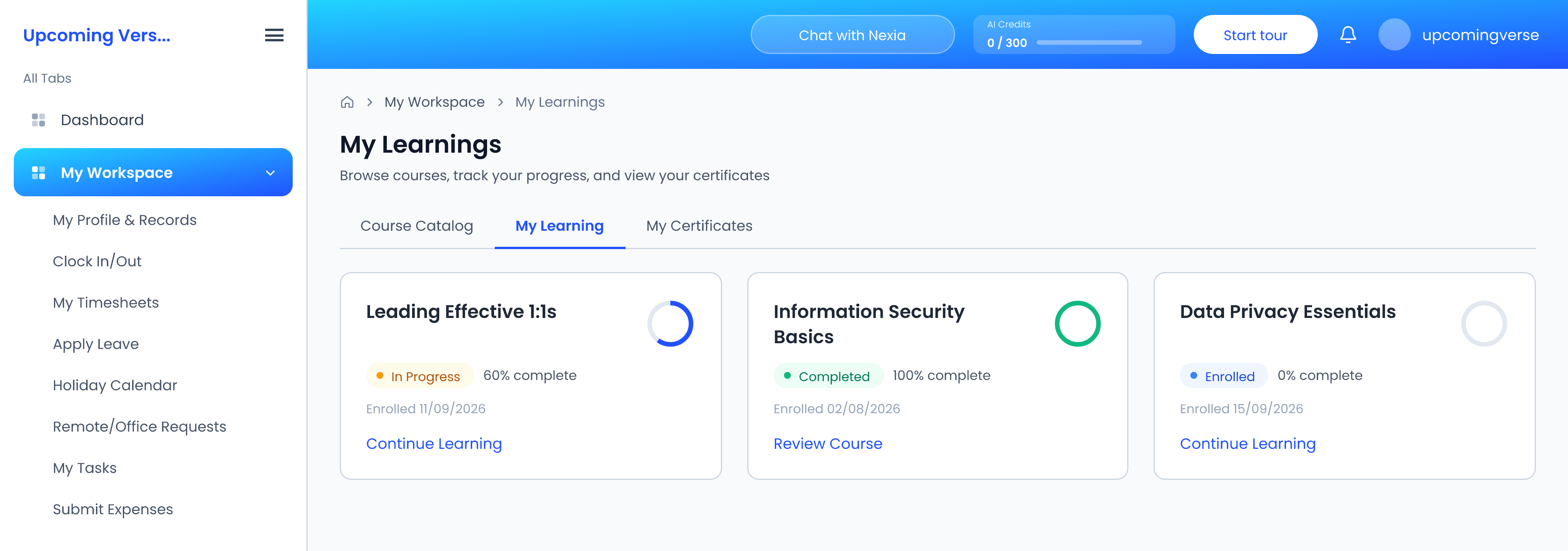
Progress is tracked as content is worked through. Leaving a course part-way keeps it in progress, so pick it back up with Continue Learning in My Learnings and finish the remaining content.
2. Every assessment has been passed
A course can carry a Quiz, an Assignment or a Final Exam, on the course as a whole or on a single module. Each has a passing score — 70% unless the course sets another — and every one must be passed. When one is still outstanding, the certificate is refused and the missing assessments are named.
3. The course has a certificate template
Without a template configured on the course, no certificate can be issued however complete it is. This one is for whoever manages the course to fix.
Out of attempts
Assessments allow three attempts by default, though a course can set a different number or allow unlimited attempts. Once they are used up, another attempt is refused. Ask the course administrator.
A score that can never reach the pass mark
Short answer questions are not marked automatically and add no points to the score. An assessment made up largely of short answers can have a pass mark that is out of reach on the numbers alone. Retaking it will not help — the course setup needs changing, so raise it with the course administrator.
Once it is issued
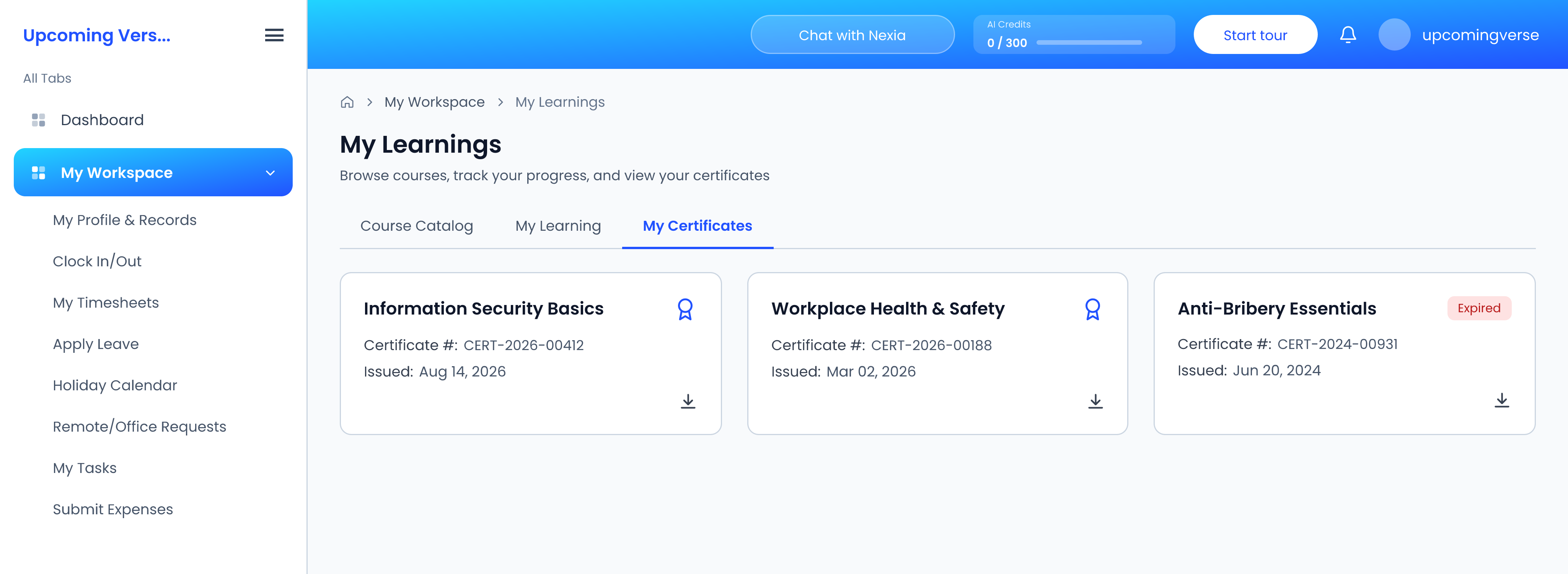
Your certificate appears under My Workspace → My Learnings, on the My Certificates tab. It can be downloaded, and carries a certificate number that can be used to verify it.